
"Emparejamiento del controlador PS5 a la PC: una guía paso a paso"
El Sony Dualsense se destaca como el mejor controlador de PS5 debido a sus características innovadoras, agarre cómodo y diseño ergonómico, mejorando su experiencia de juego en PlayStation 5 . Si bien conectar el DualShock 4 a las mejores PC de juegos fue un desafío, el Dualsense ofrece una compatibilidad de PC mucho mejor, lo que lo convierte en un contendiente principal entre los mejores controladores de PC . A continuación, encontrará una guía directa sobre cómo conectar su Dualsense a su PC.
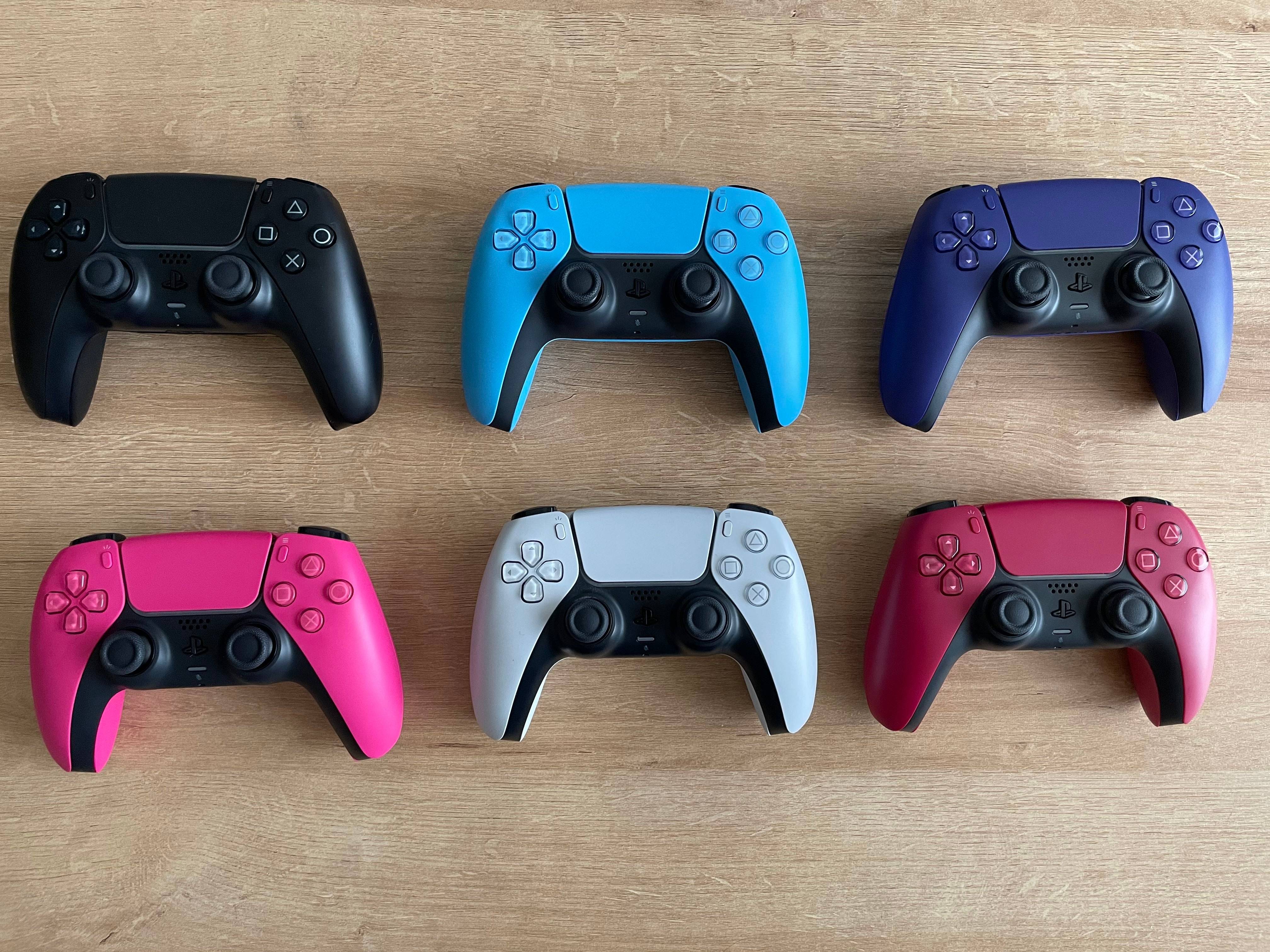
Elementos necesarios para combinar el controlador PS5 con PC:
- Cable USB-C listo para datos
- Adaptador Bluetooth para PC
Conectar su Dualsense a una PC puede ser un poco complicado si no está preparado. Dualsense no incluye un cable USB cuando se compra por separado, y no todas las PC vienen equipadas con Bluetooth. Para emparejar con éxito su Dualsense con una PC, necesitará un cable USB-C que admita la transferencia de datos. Este puede ser un cable C-a C si su PC tiene un puerto USB-C o un cable USB-C a A para puertos USB tradicionales.
Si su PC carece de Bluetooth, agregarlo es sencillo. El mercado ofrece varios adaptadores Bluetooth, desde aquellos que se ajustan a una ranura PCIe hasta opciones de plug-and-play más simples.
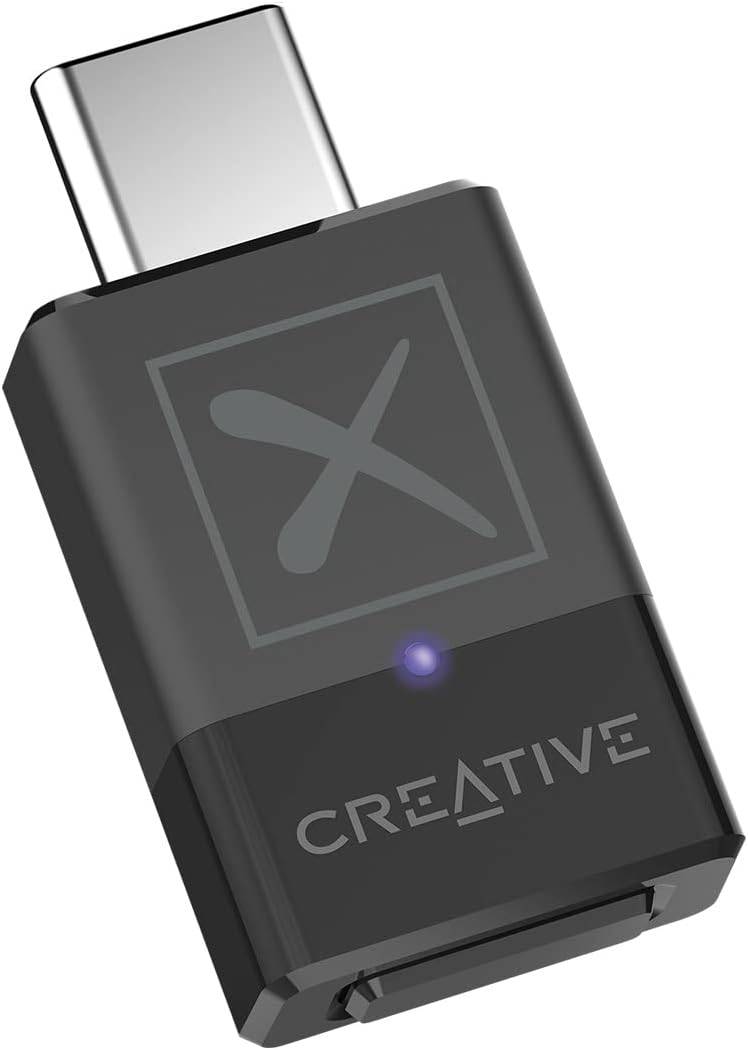
Nuestra mejor selección
Transmisor Bluetooth creativo BT-W5
Cómo emparejar el controlador PS5 con PC sobre USB
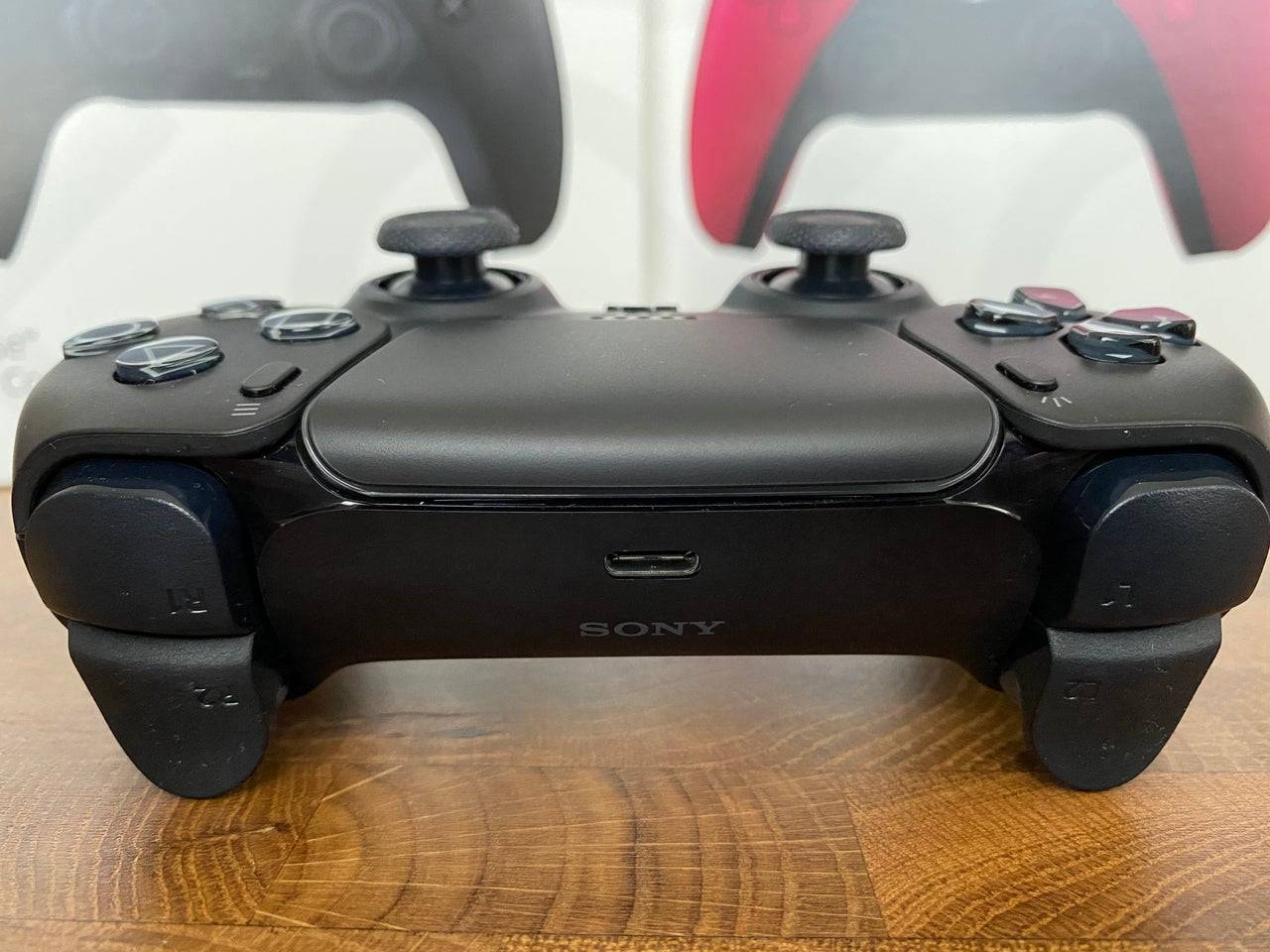
- Conecte su cable USB seleccionado en un puerto abierto en su PC.
- Conecte el otro extremo del cable al puerto USB-C en su controlador Dualsense.
- Espere a que su PC con Windows reconozca el controlador Dualsense como un gamepad.
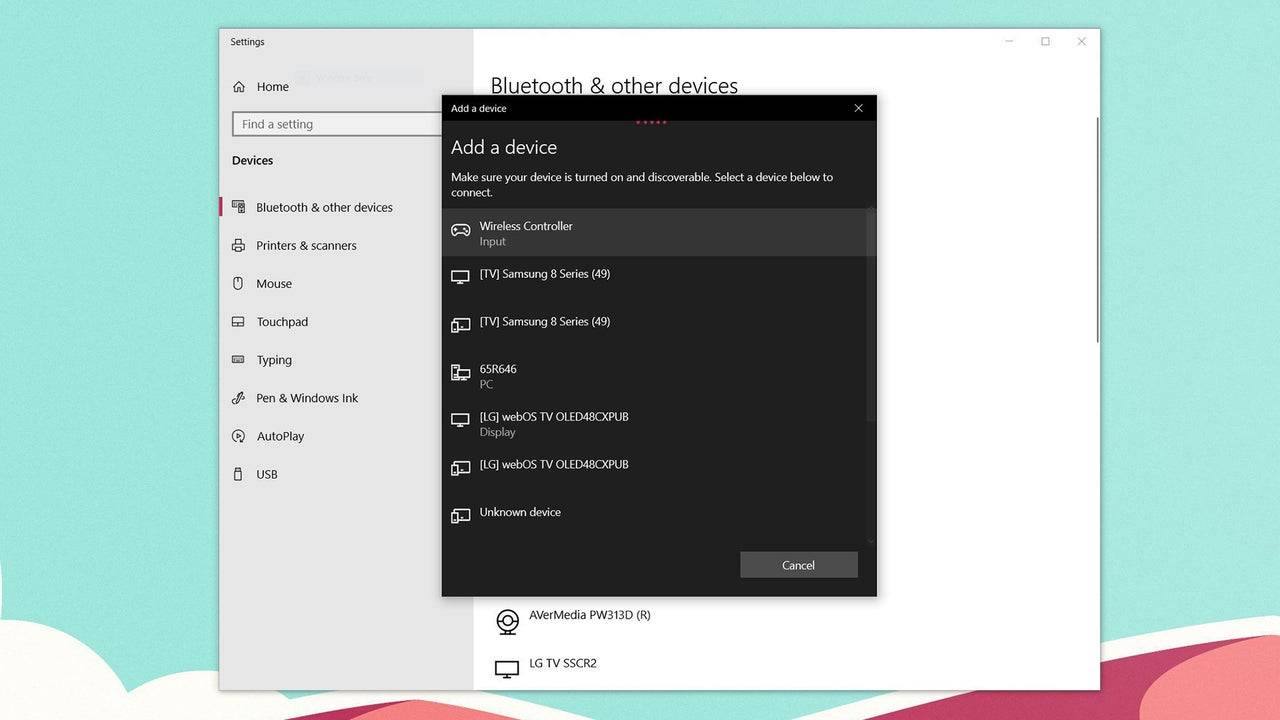
Cómo emparejar el controlador PS5 Dualsense con PC sobre Bluetooth
- Acceda a la configuración Bluetooth de su PC presionando la tecla Windows, escribiendo "Bluetooth" y seleccionando Bluetooth y otros dispositivos en el menú.
- Haga clic en Agregar Bluetooth u otro dispositivo .
- Elija Bluetooth en la ventana emergente.
- En su controlador Dualsense (asegúrese de que esté desconectado y encendido), presione y mantenga presionado el botón PS y el botón Crear (al lado del D-Pad) simultáneamente hasta que la barra de luz debajo del panel táctil comience a parpadear.
- En su PC, seleccione su controlador Dualsense de la lista de dispositivos Bluetooth disponibles.











-
1
Apex Legends sigue cayendo en el número de jugadores simultáneos
Dec 30,2024
-
2

Alien: Romulus 'fijo' terrible Ian Holm CGI para el lanzamiento en casa, pero los fanáticos todavía piensan que es bastante malo
Mar 03,2025
-
3
Roblox: Códigos de notoriedad (enero 2025)
Jan 17,2025
-
4
ROBLOX: Obtenga códigos exclusivos de "juego de calamar" de la temporada 2 para las recompensas épicas
Feb 20,2025
-
5
Roblox King Legacy: Códigos de diciembre de 2024 (actualizado)
Dec 24,2024
-
6
Metáfora: Refantazio publica una nueva actualización para enero de 2025
Feb 20,2025
-
7

Fechas de prueba beta de Call Of Duty: Black Ops 6 confirmadas
Jan 05,2025
-
8
El rompecabezas de Sakamoto se resuelve en Japón
Jan 27,2025
-
9

Marvel Rivals debuta la actualización del mapa de Midtown
Feb 02,2025
-
10
Ajedrez automático de anime: actualización de la lista de niveles de rasgos de enero de 2025
Mar 13,2025
-
Descargar

Magnet Hero
Acción / 45.6 MB
Actualizar: Feb 11,2025
-
Descargar

Raising Gang-Girls:Torment Mob
Juego de roles / 39.42M
Actualizar: May 06,2023
-
Descargar

Bulma Adventure 2
Casual / 57.55M
Actualizar: Mar 09,2024
-
4
Rusting Souls
-
5
Brawl Box Stars Simulator
-
6
IDV - IMAIOS DICOM Viewer
-
7
Love and Deepspace Mod
-
8
Bebé aprendiendo formas
-
9
VRNOID demo(Meta Quest)
-
10
كلمة السر