
Nintendo Switch 20.0.0 Update: New Icons, System Transfer Features Unveiled
Nintendo has rolled out a fresh firmware update for the Switch, paving the way for the upcoming Switch 2 launch.
The Nintendo Switch Firmware Update Version 20.0.0 introduces several significant enhancements to the eight-year-old console, aligning it with the imminent debut of its successor, the Switch 2, slated for June, per the official patch notes on Nintendo's website.
A key feature is the new system transfer option to the Nintendo Switch 2, now accessible in System Settings. This allows users to transfer data from their Switch to a Switch 2 via local communication.
For those unable to access their Switch before acquiring a Switch 2, an option exists to upload transfer data to a dedicated server for later retrieval on the new console.
Be aware that initiating this transfer resets the Switch to factory settings. Nintendo advises performing this only if you can complete the process on the Switch 2. Otherwise, opt for a local communication transfer after obtaining your Switch 2.
Some Switch users planning to sell or trade their original console for a Switch 2 are eager to use this transfer feature, as it eliminates the need to retain their old device. However, others are wary of the mandatory factory reset and the risk of data loss on Nintendo’s server.
Additionally, the update revamps certain user icons, with the community spotlighting changes like Donkey Kong’s updated icon, reflecting designs from upcoming Switch 2 titles Donkey Kong Bananza and Mario Kart World.
Updated Icon Designs in Latest Switch Update
byu/thetripp45 inNintendoSwitch
New icons for Virtual Game Cards and GameShare have also been added to the Home menu, in preparation for the Switch 2 launch.
Nintendo Switch Firmware Update Version 20.0.0 Patch Notes
Ver. 20.0.0 (Released April 29, 2025)
The following icons for new features have been added to the HOME Menu:Virtual Game CardDigital Nintendo Switch software, DLC, and select free titles are now represented as virtual game cards, displayed in a dedicated menu list.You can load or eject virtual game cards across up to two Nintendo Switch systems.Virtual game cards can be shared with others in the same Nintendo Account family group. See the Virtual Game Card Guide for details.GameShareCompatible software can be shared from a Nintendo Switch 2 to nearby systems for multiplayer gaming.Supported only via local wireless, with the Nintendo Switch 2 initiating GameShare.This feature is exclusive to Nintendo Switch 2 and cannot be used between two Nintendo Switch, Nintendo Switch – OLED Model, or Nintendo Switch Lite systems.User-Verification Settings has been added under User > User Settings.Restrict access to the Virtual Game Card menu by requiring a PIN or Nintendo Account sign-in.Online License Settings has been introduced.When enabled, purchased software or DLC can be played online without loading the virtual game card.Refer to the System Settings screen for more details.The Nintendo eShop and Nintendo Switch News icon colors on the HOME Menu have been updated.Multiple save data files can now be selected and transferred simultaneously in the “Transfer Your Save Data” menu.System Transfer to Nintendo Switch 2 has been added under System Settings > System.Transfer data from your Nintendo Switch to a Nintendo Switch 2 using local communication.For users unable to access their Nintendo Switch before receiving their Switch 2, an option allows uploading transfer data to a dedicated server for retrieval on the Switch 2. Post-upload, the Nintendo Switch will reset to factory settings, so only proceed if you can complete the transfer on the Switch 2.For continued use of your Nintendo Switch until you have a Switch 2, perform the system transfer via local communication after acquiring the new console.An internet connection and Nintendo Account are required for both local and server-based transfers.See System Transfer from Nintendo Switch to Nintendo Switch 2 for more details.Some user icons have been refreshed.Visit the Nintendo website for comprehensive Nintendo Switch 2 details.
The “Primary Console” designation has been phased out in favor of virtual game cards, replaced by “Pass-enabled console.” On a Pass-enabled console, all users can access specific subscriptions or passes for certain software. Learn more at How to Set or Change the Pass-Enabled Console for a Nintendo Account.
The excitement builds for the Nintendo Switch 2, set to launch on June 5. Pre-orders opened on April 24, priced at $449.99, and saw overwhelming demand. Nintendo has cautioned U.S. customers who pre-ordered via the My Nintendo Store that delivery by the release date isn’t guaranteed due to high interest.
Explore IGN’s Nintendo Switch 2 pre-order guide for further details.









-
1
Apex Legends keeps falling down in concurrent player count
Dec 30,2024
-
2

Alien: Romulus 'Fixed' Terrible Ian Holm CGI for Home Release but Fans Still Think It’s Pretty Bad
Mar 03,2025
-
3
Roblox: Notoriety Codes (January 2025)
Jan 17,2025
-
4
Roblox: Get Exclusive "Squid Game" Season 2 Codes for Epic Rewards
Feb 20,2025
-
5
Roblox King Legacy: December 2024 Codes (Updated)
Dec 24,2024
-
6
Metaphor: ReFantazio Releases New Update for January 2025
Feb 20,2025
-
7

Call Of Duty: Black Ops 6 Beta Testing Dates Confirmed
Jan 05,2025
-
8
Sakamoto Puzzle Unravels in Japan
Jan 27,2025
-
9
Marvel Rivals Debuts Midtown Map Update
Feb 02,2025
-
10
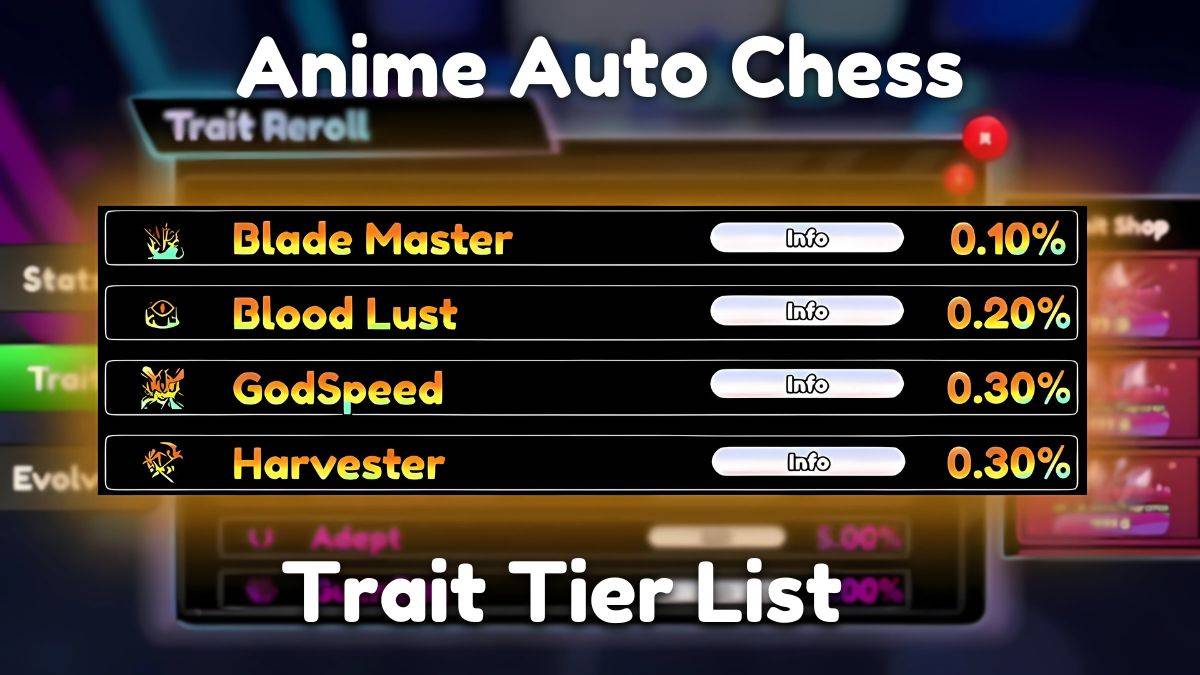
Anime Auto Chess: January 2025 Trait Tier List Update
Mar 13,2025
-
Download
Magnet Hero
Action / 45.6 MB
Update: Feb 11,2025
-
Download
Bulma Adventure 2
Casual / 57.55M
Update: Mar 09,2024
-
Download

Raising Gang-Girls:Torment Mob
Role Playing / 39.42M
Update: May 06,2023
-
4
Rusting Souls
-
5
Brawl Box Stars Simulator
-
6
Learning Color Shapes for kids
-
7
Love and Deepspace Mod
-
8
VRNOID demo(Meta Quest)
-
9
كلمة السر
-
10
Karate King Kung Fu Fight Game