
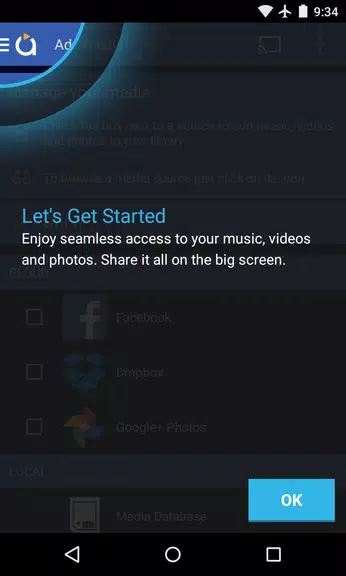
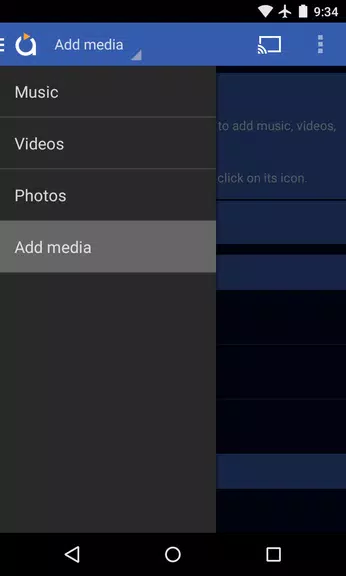
Discover effortless media casting with Avia Media Player (Chromecast) version 7.2. The latest update now supports casting to Apple TV, Roku, and WebOS devices alongside Chromecast. This refreshed release includes a cleaner user interface for easier navigation, quicker response times, and redesigned icons. Take full control of playback from your phone or tablet, display album art and artist images on your TV, and effortlessly share photos, videos, and music across multiple devices. Follow our simple tips to maximize Avia’s features and enjoy smooth, uninterrupted streaming.
Avia Media Player (Chromecast) Key Features:
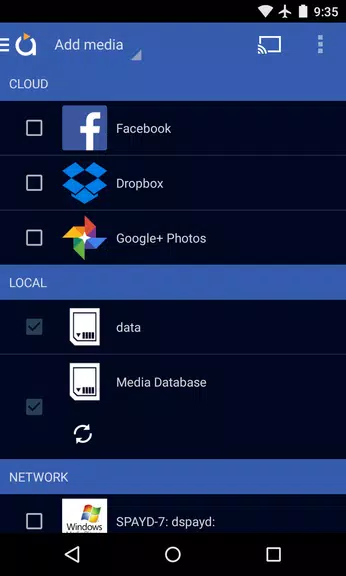
⭐ Updated User Interface: Navigate with ease thanks to Avia’s redesigned layout, delivering faster access to media and smoother overall performance.
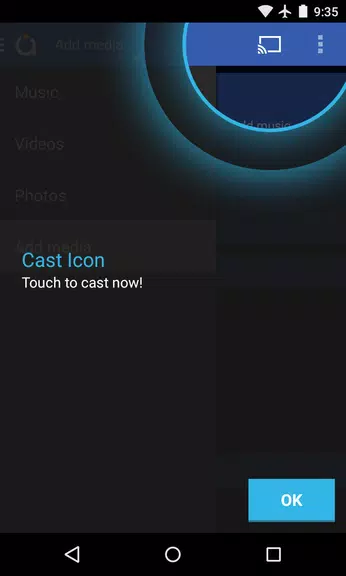
⭐ Expanded Casting Support: Cast photos, videos, and music not only to Chromecast but also to Apple TV, Roku, and WebOS TVs for versatile viewing across your screens.
⭐ Enhanced Stability: The updated version offers greater reliability and full compatibility with the latest Google Chromecast software for a dependable streaming experience.
⭐ Complete Playback Control: Manage your media playback directly from your mobile device, allowing full control over content while casting to various displays.
User Tips for Optimal Performance:
⭐ Install Avia for Roku: To cast to Roku devices, install the Avia channel from your Roku home screen for easy and seamless connectivity.
⭐ Use the Same Wi-Fi: For smooth casting, ensure both your Android device and target screen—like Chromecast or Apple TV—are on the same Wi-Fi network.
⭐ Enable UPnP/DLNA: When streaming media from other gadgets, activate UPnP/DLNA sharing on those devices to enable Avia to detect and connect successfully.
Final Thoughts:
Avia Media Player (Chromecast) delivers a modern, reliable media casting experience with an intuitive layout, wider device support, and improved performance. With these user tips, you can take full advantage of Avia’s capabilities for smooth and effortless streaming. Upgrade now to elevate how you enjoy photos, music, and videos on the big screen.
0x7f0701fb
10.50M
Android 5.1 or later
com.videon.android.mediaplayer