
Steam Deck: Cómo ejecutar juegos de CD de Sega
Esta guía te muestra cómo jugar tus juegos de Sega CD en tu Steam Deck usando EmuDeck. El Sega CD, o Mega CD, mejoró el Sega Genesis/Megadrive con juegos basados en CD, ofreciendo capacidades superiores de audio y FMV. EmuDeck hace posible esta experiencia retro en hardware moderno. Esta guía se actualizó (9 de enero de 2025) para incluir Decky Loader y Power Tools para un rendimiento óptimo y una solución para restaurar Decky Loader después de las actualizaciones de Steam Deck.
Pasos previos a la instalación:
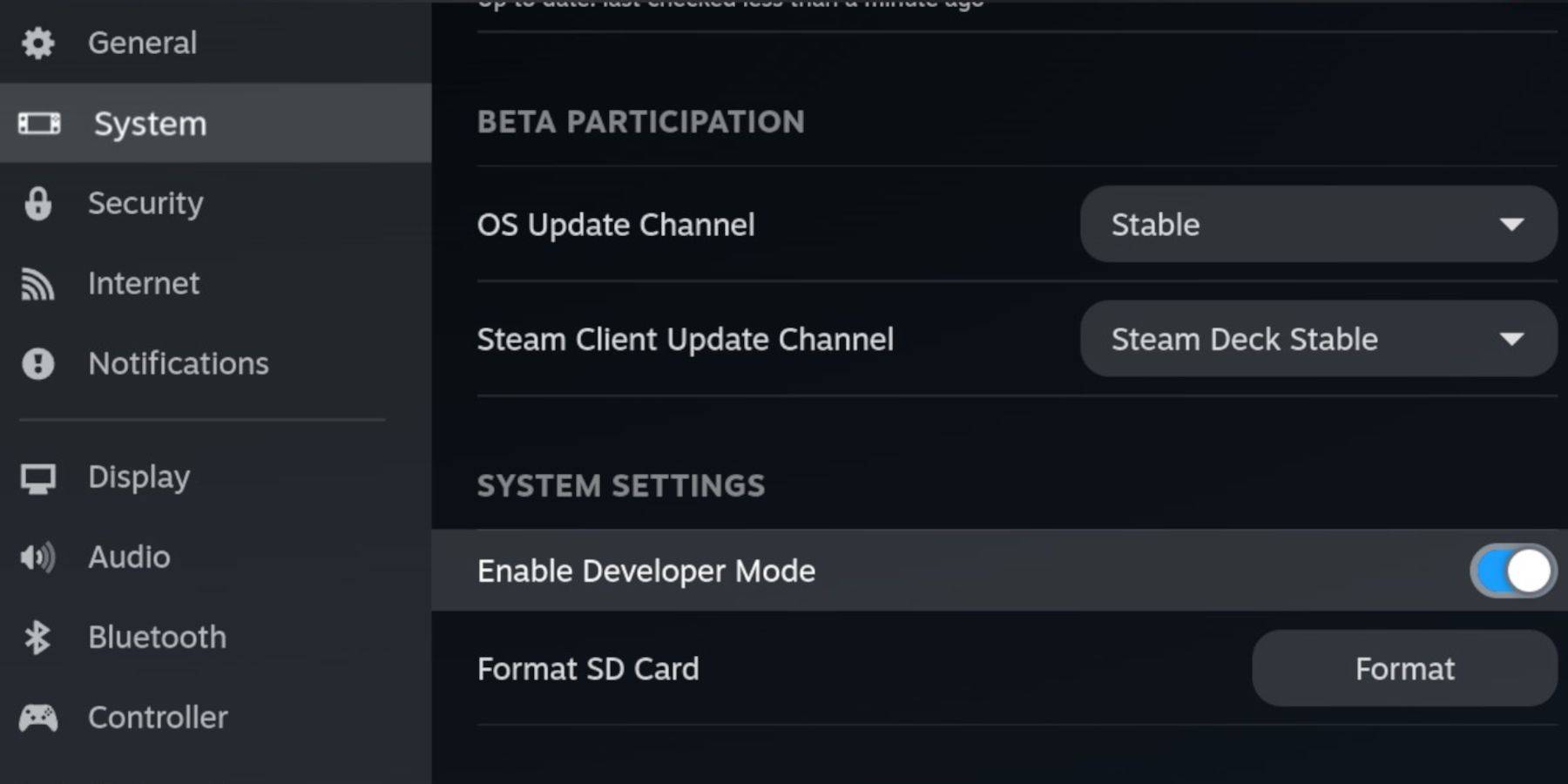 Habilite el modo de desarrollador y la depuración remota CEF en su Steam Deck para obtener compatibilidad con las actualizaciones de EmuDeck. Instrucciones:
- Enciende tu Steam Deck.
- Accede al menú Steam (botón Steam).
- Vaya a Sistema > Modo de desarrollador y habilítelo.
- Vaya al menú Desarrollador y habilite la depuración remota CEF.
- Presiona el botón Steam, selecciona Encendido y cambia al modo de escritorio.
Artículos esenciales:
- Una tarjeta microSD A2 rápida para EmuDeck y juegos.
- Formatea la tarjeta SD en tu Steam Deck.
- CD ROM y archivos BIOS de Sega obtenidos legalmente.
- Un teclado y un mouse (opcional, pero recomendado para transferir archivos más fácilmente). Formatee su tarjeta SD a través de la configuración de Almacenamiento de Steam Deck.
Instalando EmuDeck:
 Cambiar al modo de escritorio. Descargue un navegador (de la Discovery Store), luego descargue EmuDeck y elija la versión correcta de SteamOS. Durante la instalación, seleccione "Personalizado", elija su tarjeta SD, seleccione Steam Deck como destino y elija RetroArch, MelonDS, Steam ROM Manager y Emulation Station (o todos los emuladores). Complete la instalación.
Transfiriendo archivos de CD de Sega:
 Usando el explorador de archivos Dolphin (en modo de escritorio), transfiera sus archivos BIOS a
 Tarjeta SD/Emulación/BIOS y sus CD ROM de Sega a Tarjeta SD/Emulación/ROMS/ segaCD (o megaCD).
Agregar ROM con Steam ROM Manager:
 Inicie EmuDeck, luego Steam ROM Manager. Sigue las indicaciones en pantalla, agrega tus juegos y analízalos.
Manejo de portadas faltantes:
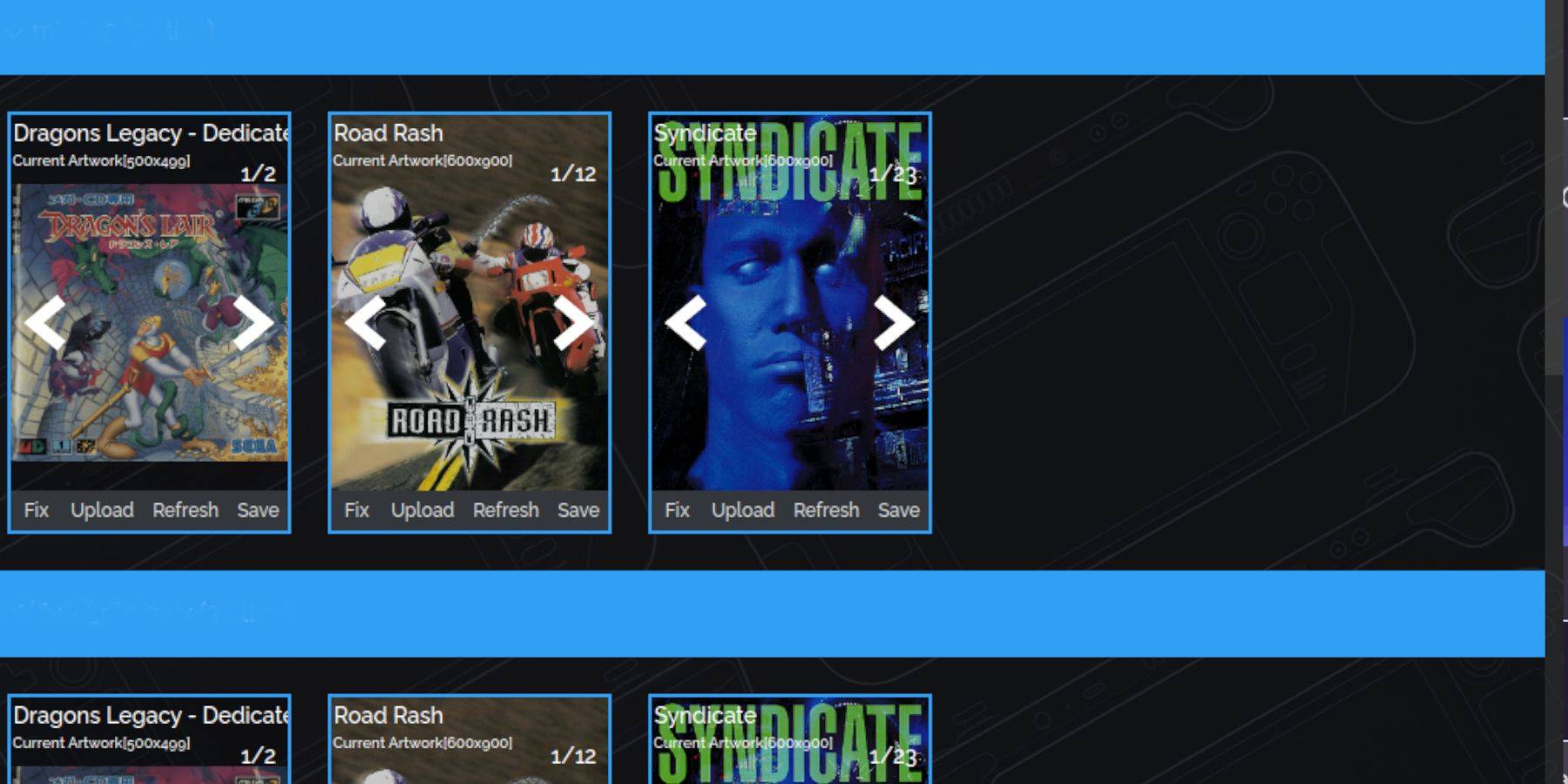 Si faltan portadas, use la función "Reparar" de Steam ROM Manager para buscarlas y agregarlas. Para agregar portadas manualmente, use la función "Cargar".
Jugar a tus juegos:
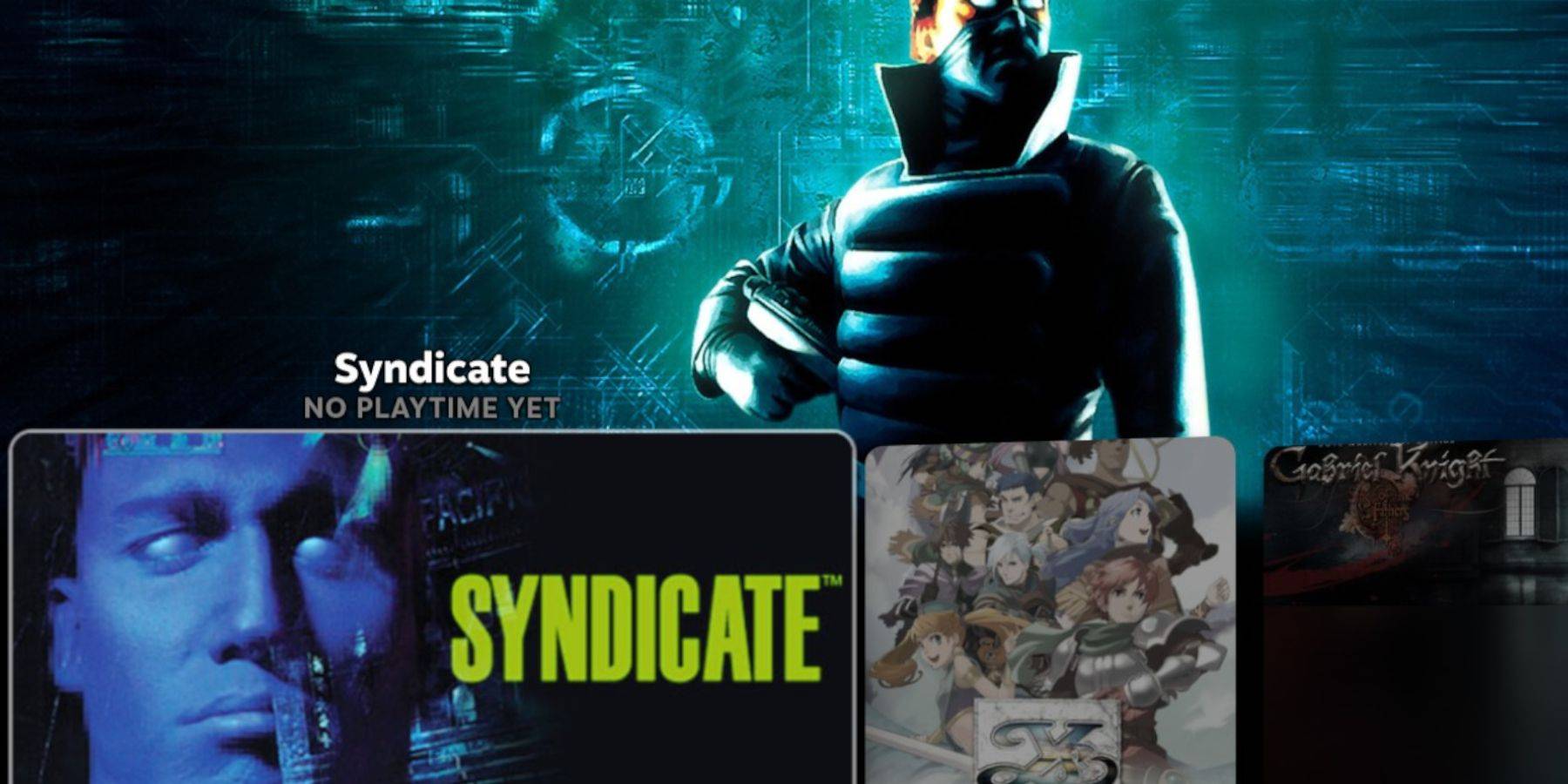 Accede a tus juegos de Sega CD a través de la Biblioteca de Steam > Colecciones > Sega CD. Alternativamente, use Emulation Station (que se encuentra en la biblioteca que no es de Steam) para obtener una vista de biblioteca diferente, especialmente útil para juegos de varios discos. Utilice el raspador de Emulation Station para descargar automáticamente metadatos e ilustraciones.
Instalación de Decky Loader y herramientas eléctricas:
 Instale Decky Loader desde su página de GitHub (usando un navegador en modo escritorio). Luego, use Decky Loader en modo de juego para instalar Power Tools. Para obtener una configuración óptima, deshabilite los SMT, configure los subprocesos en 4, habilite el control manual del reloj de la GPU y configure la frecuencia del reloj de la GPU en 1200 en Power Tools.

Restauración de Decky Loader después de una actualización de Steam Deck:
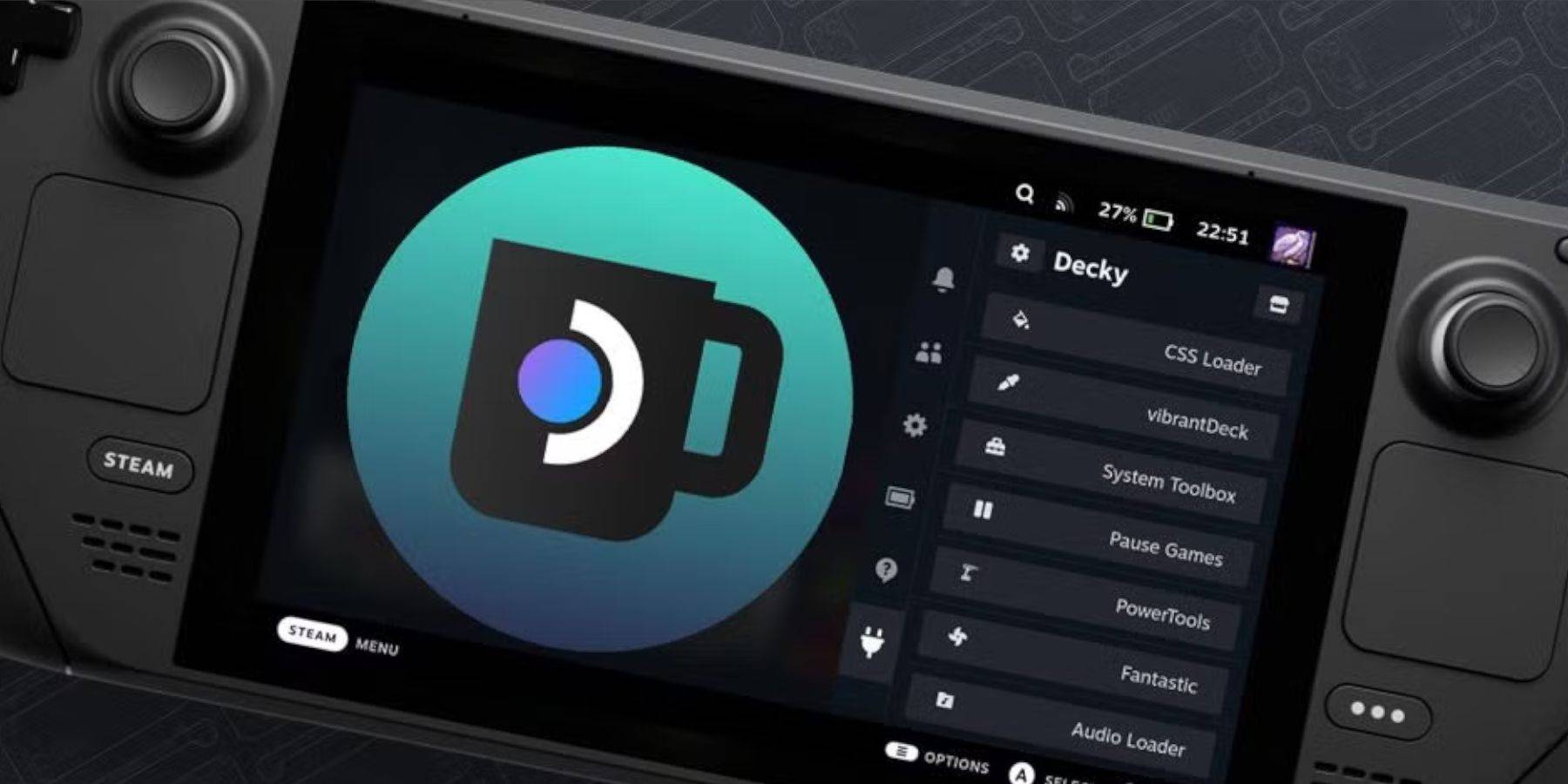 Si se elimina Decky Loader después de una actualización de Steam Deck, reinstálelo desde la página de GitHub en modo escritorio, usando la opción "Ejecutar" y proporcionando su contraseña de sudo.
Esto completa la configuración para jugar juegos de Sega CD en tu Steam Deck. ¡Disfruta!













-
1
Apex Legends sigue cayendo en el número de jugadores simultáneos
Dec 30,2024
-
2

Alien: Romulus 'fijo' terrible Ian Holm CGI para el lanzamiento en casa, pero los fanáticos todavía piensan que es bastante malo
Mar 03,2025
-
3
Roblox: Códigos de notoriedad (enero 2025)
Jan 17,2025
-
4
ROBLOX: Obtenga códigos exclusivos de "juego de calamar" de la temporada 2 para las recompensas épicas
Feb 20,2025
-
5
Roblox King Legacy: Códigos de diciembre de 2024 (actualizado)
Dec 24,2024
-
6
Metáfora: Refantazio publica una nueva actualización para enero de 2025
Feb 20,2025
-
7

Fechas de prueba beta de Call Of Duty: Black Ops 6 confirmadas
Jan 05,2025
-
8
El rompecabezas de Sakamoto se resuelve en Japón
Jan 27,2025
-
9
Marvel Rivals debuta la actualización del mapa de Midtown
Feb 02,2025
-
10
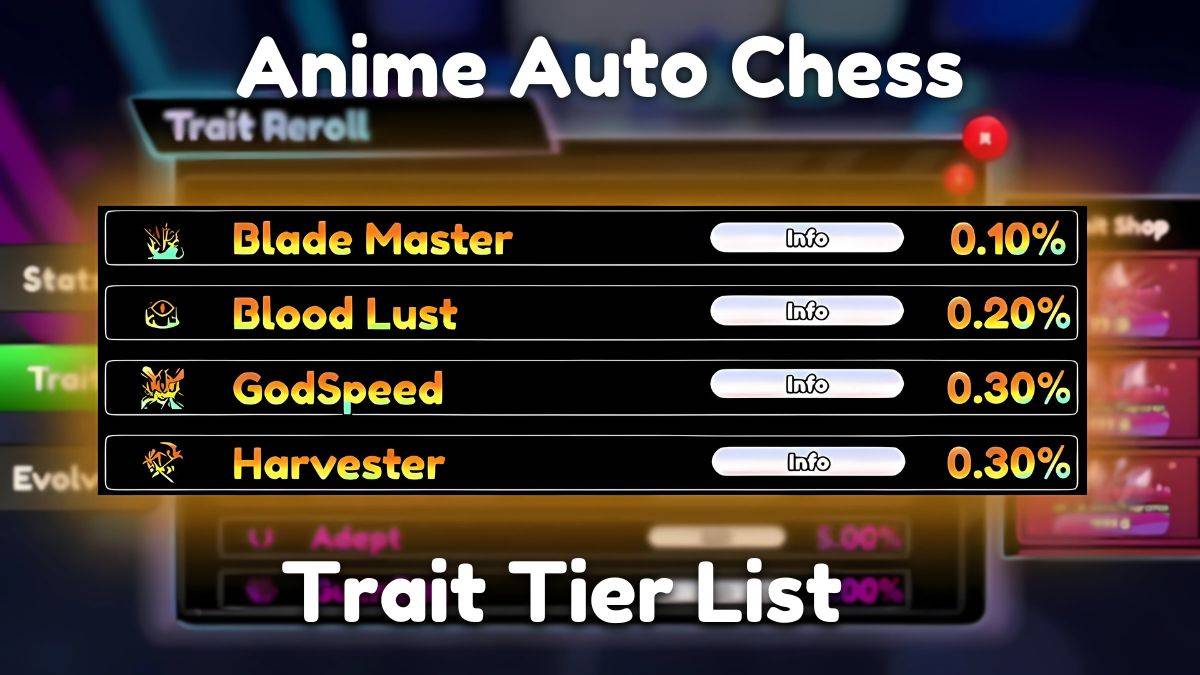
Ajedrez automático de anime: actualización de la lista de niveles de rasgos de enero de 2025
Mar 13,2025
-
Descargar

Magnet Hero
Acción / 45.6 MB
Actualizar: Feb 11,2025
-
Descargar

Raising Gang-Girls:Torment Mob
Juego de roles / 39.42M
Actualizar: May 06,2023
-
Descargar
Bulma Adventure 2
Casual / 57.55M
Actualizar: Mar 09,2024
-
4
Rusting Souls
-
5
Brawl Box Stars Simulator
-
6
IDV - IMAIOS DICOM Viewer
-
7
Love and Deepspace Mod
-
8
Bebé aprendiendo formas
-
9
VRNOID demo(Meta Quest)
-
10
كلمة السر