Application Description:
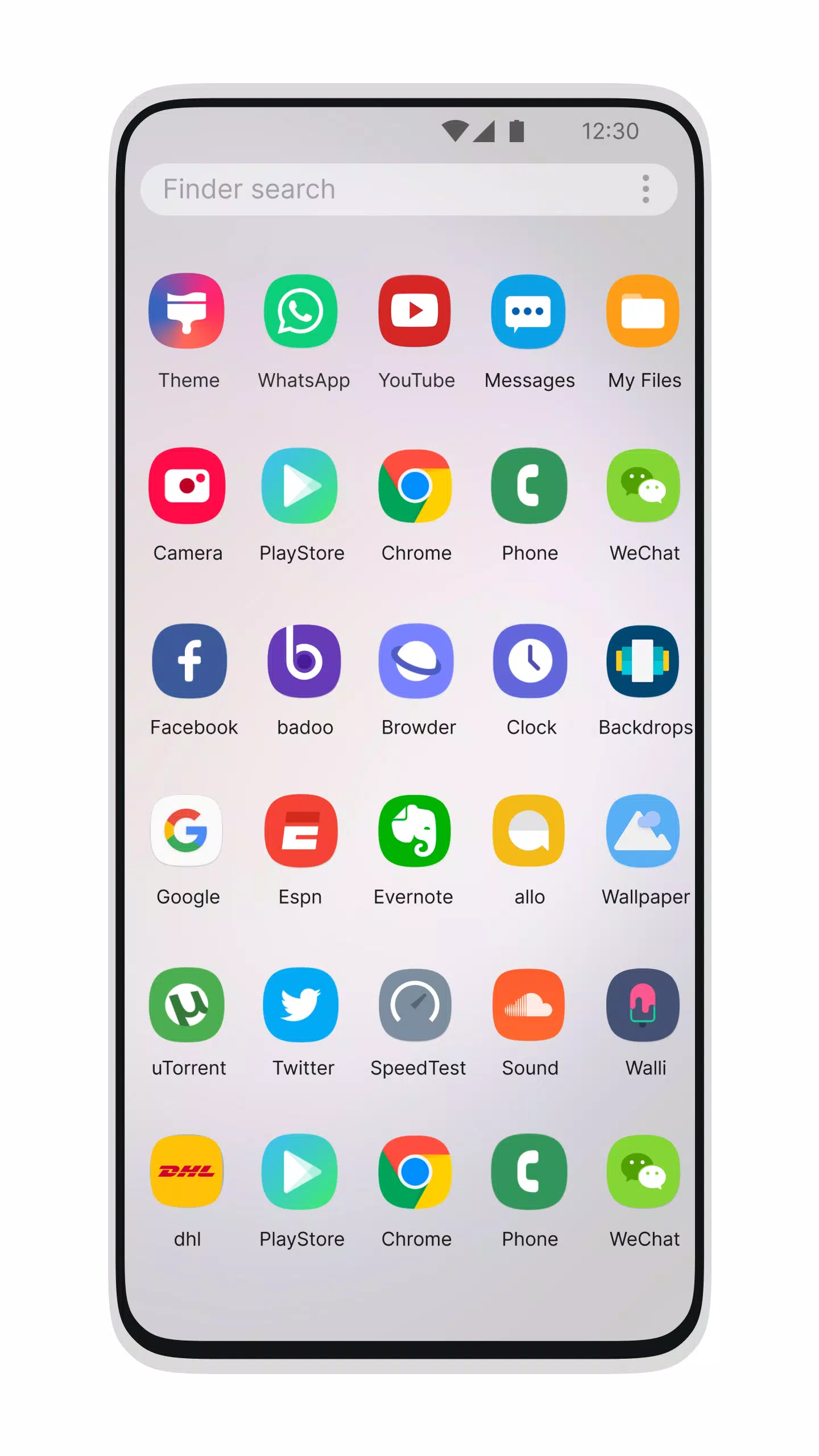
Transform Your Mobile Interface with Galaxy S24 Style Launcher
The Galaxy S24 Launcher 2023 offers an intuitive, sleek, and high-performance launchpad. Designed for users of all Android 5.1+ devices seeking the premium experience of a modern Galaxy S22+ interface.
Desktop Computer Design:
This launcher brings you closer to your device with aesthetics inspired by the Galaxy S10. Personalize your smartphone with the distinct look and speed of this top-tier launcher. Impress friends and family by showcasing your Android's new desktop-like appearance.
Features:
File Manager
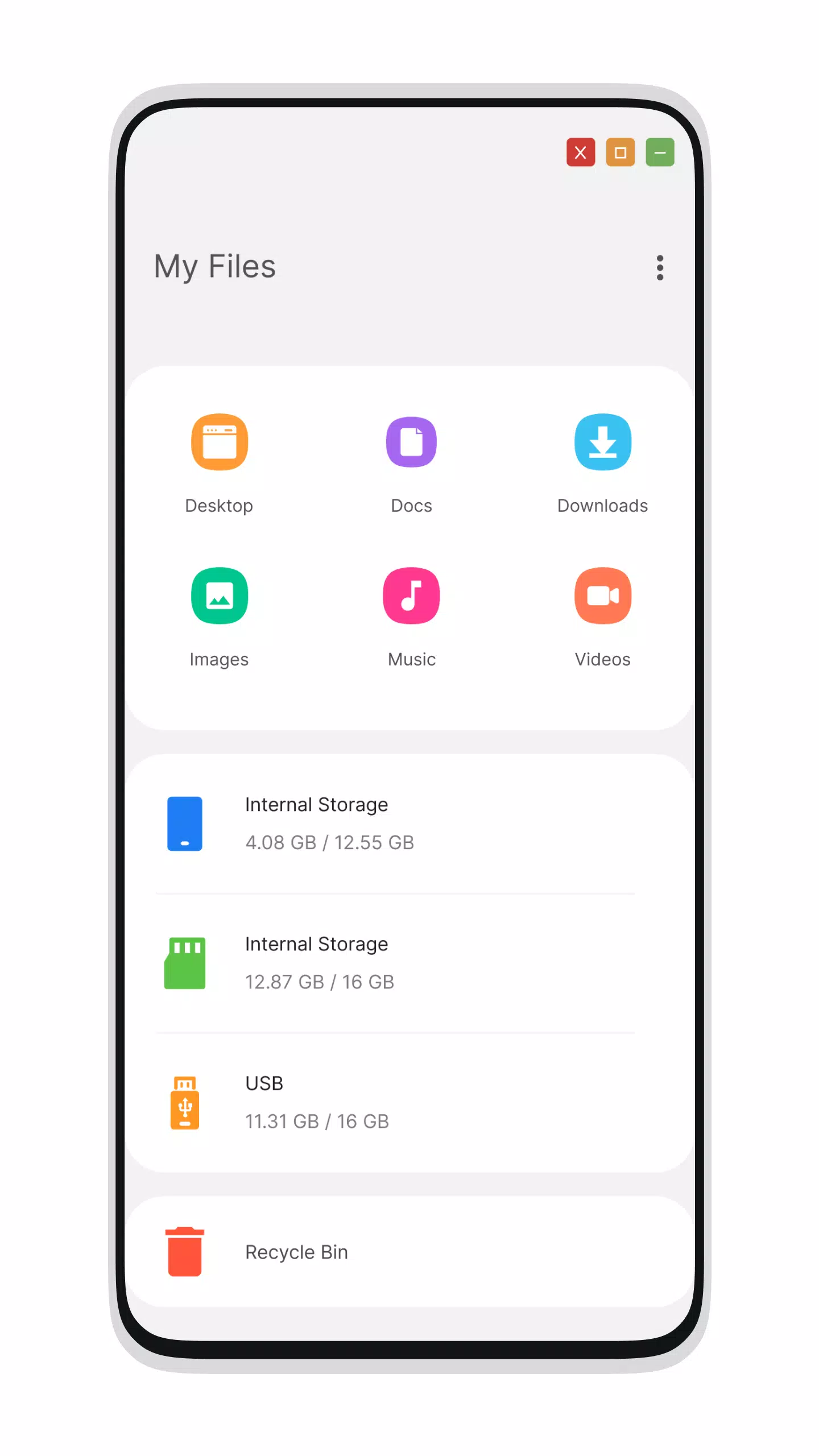
- Built-in File Explorer support
- Create folders, cut, copy, paste, move, delete, share, and more
- PC-style listing of all drives, SD cards, storage areas, audio/video files, and pictures
- Built-in ZIP/RAR extraction capabilities
- Seamless file sharing with additional utilities
- Navigate your file system efficiently using a native desktop-design explorer
Menu
- Dedicated Start Menu for Galaxy S23 compatibility
- Stylish Tiles layout within the Android application interface
- Create shortcuts to your most-used apps on the desktop via long-press functionality
- Simplified app navigation
- Galaxy S23-style Taskbar integration
- Moving files to Recycle Bin for later deletion
Settings
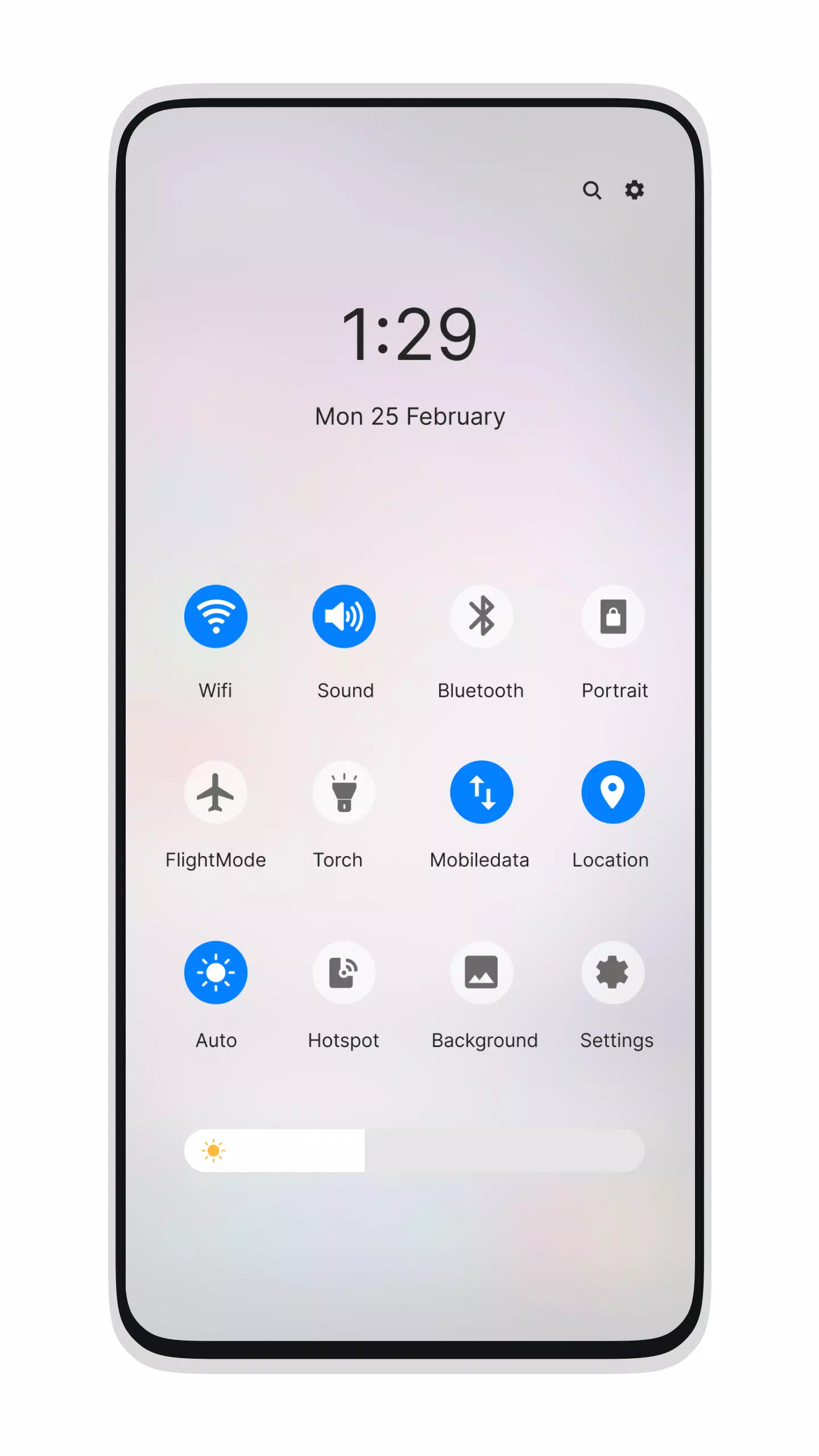
- Action Center and Notifier Center, mirroring Galaxy S23 launcher behavior
Update Features
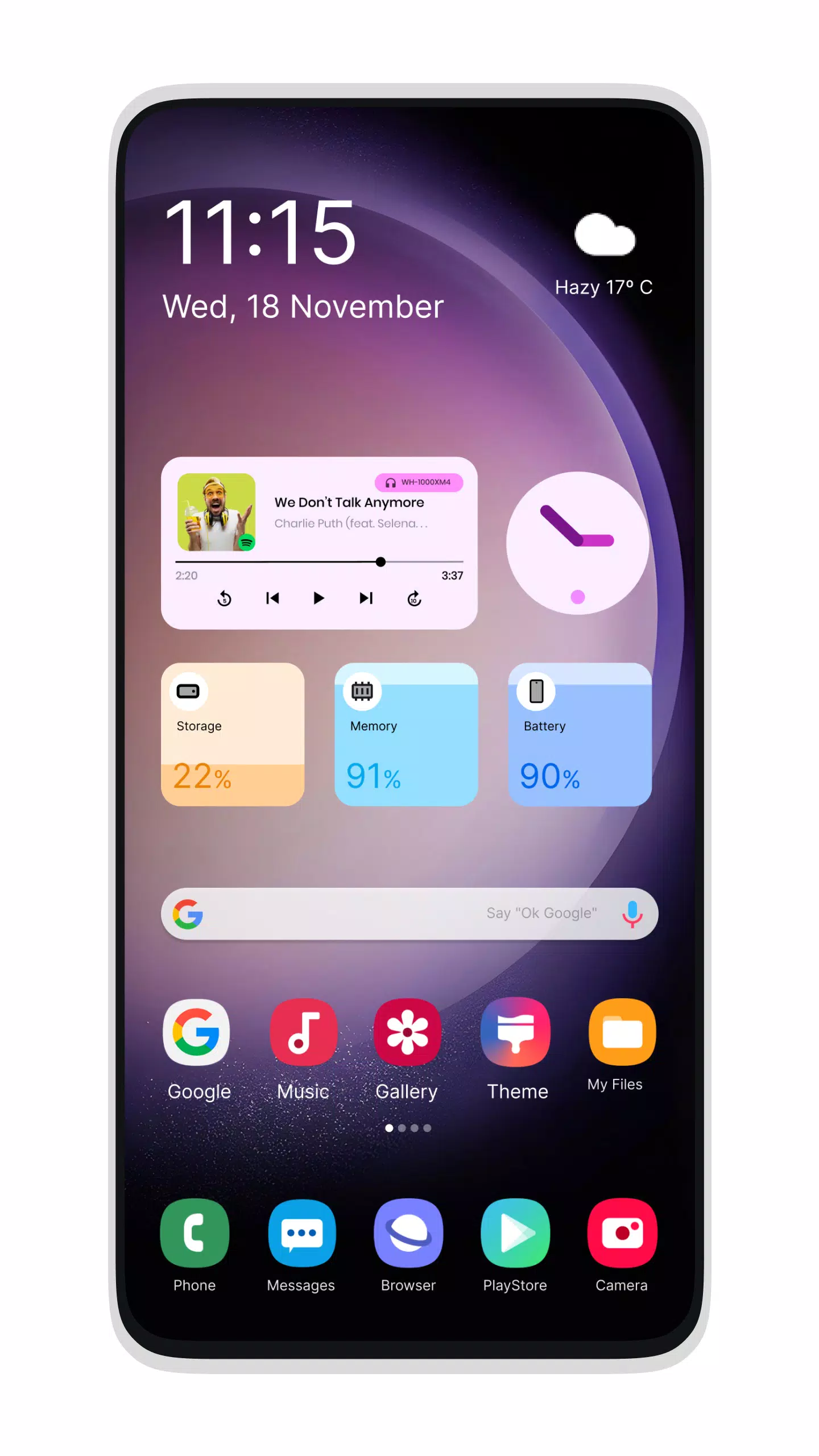
- New Desktop Widgets
- Android O-style desktop menu interface
- Enhanced Drag-and-Drop functionality
- Clock Widget support
- Weather Widget integration
- RAM usage widget display
- Customizable desktop folders
- Live Wallpapers support
- Adjustable Photo Tiles
- Removable Taskbar icons
- Dedicated Desktop App Folders
- New Weather, Calendar, and Photos tiles added
- Taskbar transparency options introduced
- Improved Theme Compatibility
- Optional Multi-Tasking (enable/disable via settings)
- Enhanced Lock Screen experience
- Multi-color support for Taskbar and Menu
- Themes and Icon Packs with Android TV/Tablet compatibility
- Application Hiding feature
- Removable Desktop Icons
- Add applications to Start Menu (Paid version only)
- Customize Start Menu apps by long-pressing the icon
- Edit Taskbar applications via long-press gesture
- Built-in Gallery feature added
- Fully adjustable Photo Tiles
- Desktop mode widgets support
- Included built-in apps (Photo viewer)
What's New in the Latest Version 3.2
Last updated on Oct 22, 2024
- Folders creation issue resolved
- Icon sizing within folders corrected
Screenshot
App Information
Version:
3.2
Size:
9.7 MB
OS:
Android 5.0+
Developer:
Ark Themes
Package Name
com.ark.themes.galaxy.launcher
Available on
Google Pay
Reviews
Post Comments






Trending apps





Software Ranking