

Simplify your life and find peace of mind with Todoist, the ultimate task management app trusted by more than 42 million users globally. It offers powerful language recognition, multiple project views, collaboration features, and personalized productivity trends to help you clear mental clutter and increase your efficiency. Use it across all your devices, sync with your calendar and favorite tools, and stay organized anywhere with location-based reminders and Wear OS support. From simple checklists to complex project plans, Todoist provides all the tools you need to manage tasks smoothly and accomplish your goals with ease.
Key Features of Todoist:
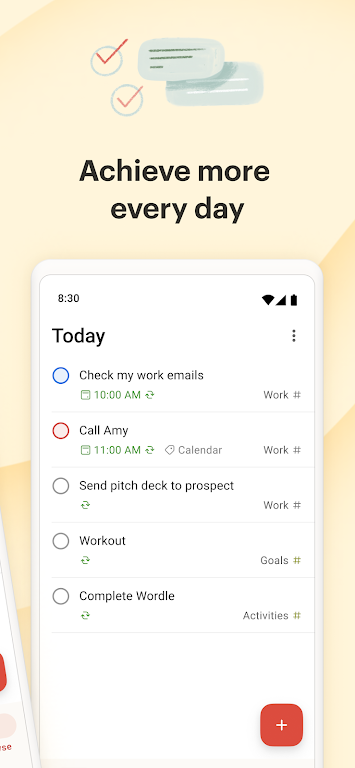
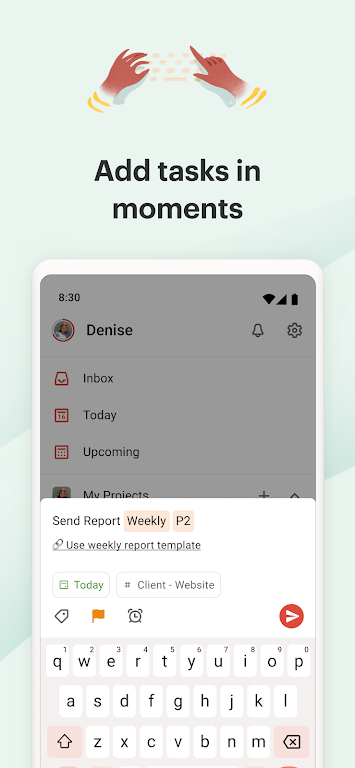
Natural language input and recurring due dates: Quickly add tasks using everyday language and set repeating due dates for routine activities.
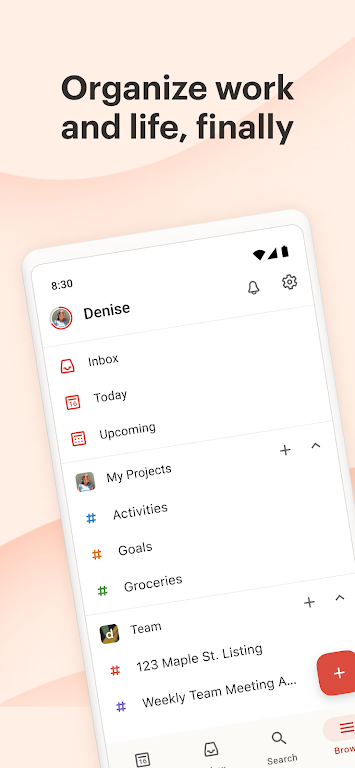
Flexible project views: Organize tasks your way with calendar, list, or board layouts for better clarity and planning.
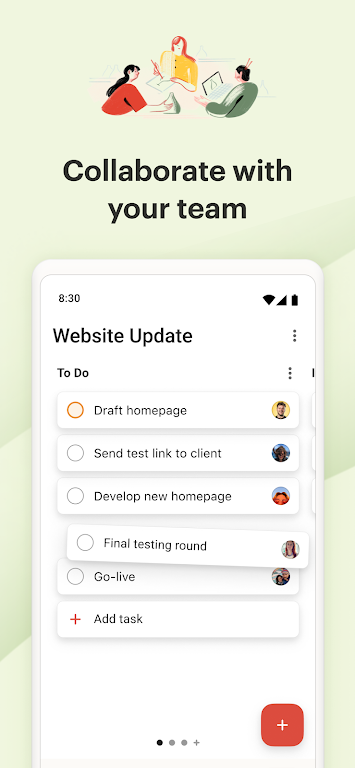
Team collaboration tools: Delegate tasks, add comments, voice notes, and files to keep everyone aligned and working together effortlessly.
Seamless integrations: Connect Todoist with your calendar, voice assistant, and other apps to centralize your workflow and save time.
Tips for Maximizing Todoist:
Leverage natural language input: Use simple phrases to create and schedule tasks instantly with the app’s smart recognition.
Try different project views: Switch between calendar, list, and board views to discover your ideal way to visualize tasks.
Collaborate efficiently: Assign tasks clearly, add context with comments or attachments, and keep communication focused.
Integrate with your favorite apps: Link Todoist with tools like your calendar to bring all tasks and deadlines into one place.
Final Thoughts:
Todoist is a flexible and powerful task manager that helps individuals and teams stay organized and focused. With smart language input, multiple views, collaboration features, and broad integration support, it simplifies task management and enhances productivity. Start using Todoist today to organize your work, streamline daily routines, and enjoy a more balanced life.
v11474
56.40M
Android 5.1 or later
com.todoist